 EN
EN

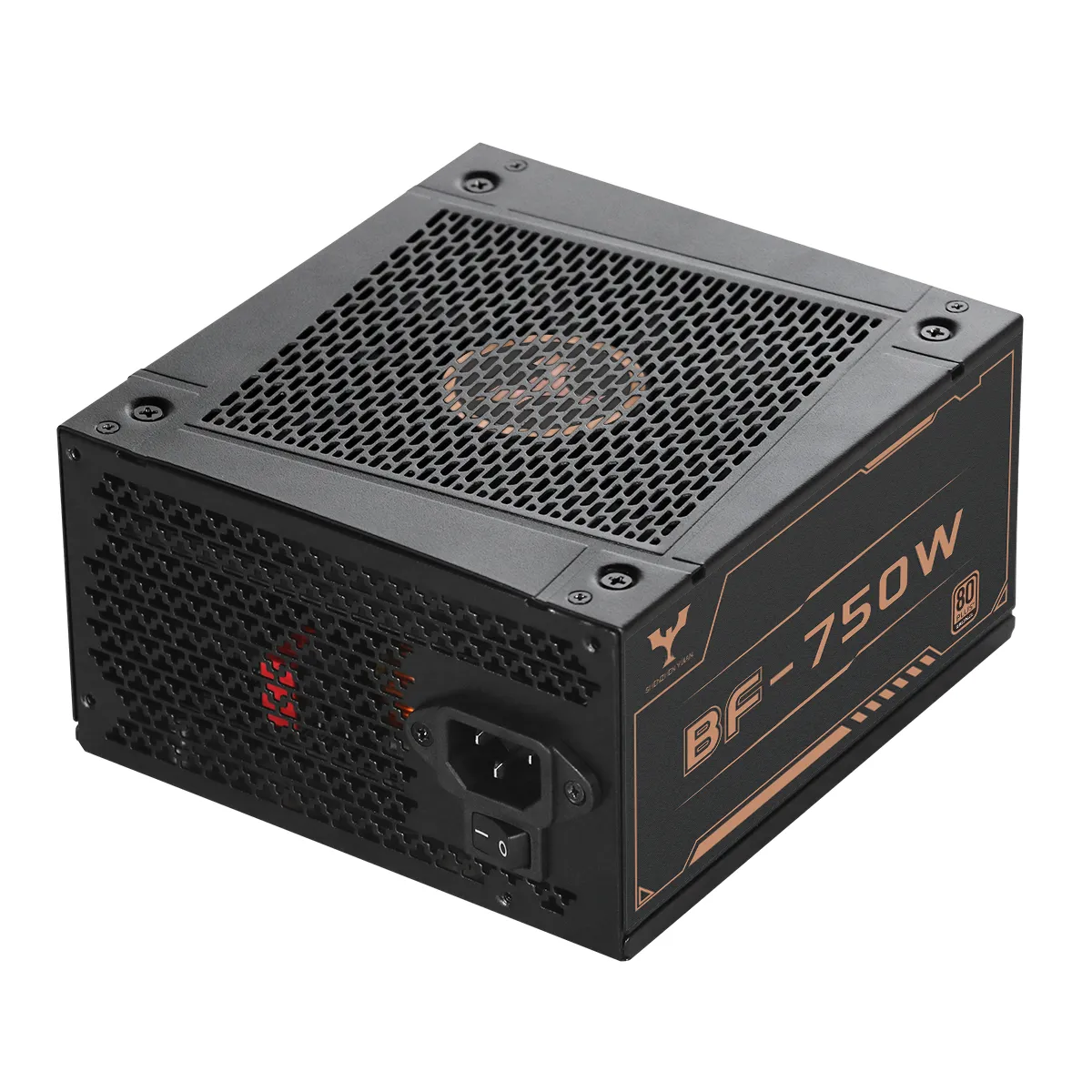
Selecting the right power supply for a computer is one of the most consequential decisions in any PC build or procurement cycle. While buyers often focus on processors, graphics cards, and storage, the power supply unit (PSU) determines whether all those components operate reliably over time. A poorly selected PSU can cause system instability, shorten the lifespan of connected hardware, and introduce safety risks. This guide addresses the practical factors buyers and procurement teams should evaluate before committing to a power supply for computer use.
Understand Your System Power Requirements Before Selecting a PSU
The first step in choosing a cost-effective power supply for computer systems is calculating the actual wattage demand of your build. Each component — CPU, GPU, storage drives, fans, and peripherals — draws power from the PSU. For standard office systems, a 400W to 600W unit is often sufficient. For gaming rigs featuring current-generation discrete GPUs, demand typically falls between 650W and 900W. Workstations running multiple storage drives and high-TDP processors may require 1000W or more. A useful benchmark: size your PSU so typical workloads land between 50% and 80% of rated capacity. This operating range delivers the best efficiency for most 80Plus-certified designs and extends component longevity.
Why 80Plus Certification Grades Matter for Operating Cost
Efficiency certification is the most reliable indicator of long-term value in a computer power supply. The 80Plus program rates PSUs on how efficiently they convert AC input to DC output across load levels (20%, 50%, 100%). A unit certified at 80Plus Bronze delivers at least 82% efficiency at 50% load; Gold-rated units achieve 90%; Platinum-rated units reach 92% or higher. For buyers supplying multiple workstations or server environments, the difference between Bronze and Gold certification compounds into measurable electricity savings over a three-to-five-year deployment cycle. Yijian's GTJ-850W, for example, carries 80Plus Gold certification with a rated efficiency of 90%, and uses LLC resonance combined with synchronous rectification and DC-DC conversion technology to maintain that efficiency across variable loads. The key point for procurement: do not evaluate PSU cost based on unit price alone — factor in energy consumption over the expected service life.
Interpreting Key Specifications: Voltage Rails, Connectors, and Form Factors
A power supply datasheet lists multiple output rails. For modern computing, the +12V rail carries the heaviest load, powering CPUs and GPUs. The +3.3V and +5V rails serve motherboard logic, SATA drives, and USB ports. When reviewing specs, verify that the combined 12V output wattage covers your GPU's peak draw, not just its TDP rating. The GTJ-850W, for instance, delivers 70A on the +12V rail, totaling 840W on that rail alone, within an 850W total output. Connector compatibility matters equally — for systems using PCIe 5.0 or PCIe 5.1 graphics cards, confirm the PSU supports native 12VHPWR or PCIe 5.1 connectors rather than requiring daisy-chained adapters. Yijian's product line includes ATX 3.1 Ready and PCIe 5.1 Ready models to address this requirement directly. On form factor: standard ATX dimensions (typically 150mm wide x 86mm tall) fit mid-tower and full-tower cases without adaptation; SFX units serve smaller form factor builds.
Modular vs Non-Modular Design: A Procurement Trade-off
Full-modular PSUs allow buyers to connect only the cables actually needed, which reduces airflow obstruction, simplifies cable management, and makes maintenance easier in rack or high-density deployments. Non-modular units include all cables permanently attached, lowering manufacturing cost and, by extension, unit price. Semi-modular designs fix essential cables (24-pin ATX, 8-pin CPU) and make others detachable. For B2B buyers procuring in volume for standard desktop deployments, non-modular units at 80Plus Bronze or Gold can offer the most favorable cost-per-unit. For gaming labs, content creation studios, or server bays where thermal management is a priority, full-modular designs at 80Plus Gold or Platinum reduce long-term maintenance burden. Yijian offers both modular and non-modular configurations across its 550W to 1300W range, allowing buyers to match design type to application without changing suppliers.
Protection Circuits and Build Quality Indicators
A cost-effective power supply for computer use must include credible protection circuitry. The minimum expected set includes OVP (over-voltage protection), UVP (under-voltage protection), OCP (over-current protection), SCP (short-circuit protection), and OTP (over-temperature protection). These are not optional — they determine whether the PSU safely shuts down instead of allowing damage to propagate through connected components. Beyond protection circuits, assess the capacitor quality. PSUs using 105°C Japanese capacitors from brands such as RUBYCON, NIPPON CHEMI-CON, or NICHICON demonstrate higher thermal tolerance and longer rated lifespan than units built with generic 85°C capacitors. Additionally, Two-Layer EMI filtering — as found in Yijian's designs — provides cleaner DC output and helps products comply with CE electromagnetic compatibility requirements. Fan acoustics are another durability indicator: a 12CM hydraulic bearing fan operating below 30 dB(A) at full load under 40°C demonstrates thermal design headroom, which directly correlates with PSU service life.
Practical Sourcing Scenario: Volume Desktop Procurement
A regional IT distributor needed to equip a 200-unit office PC deployment with reliable PSUs. Their core requirements were 80Plus Gold efficiency, a 7-year warranty, CE and RoHS compliance for EU market entry, and competitive per-unit cost. After reviewing datasheets from multiple suppliers, they selected a 550W full-modular Gold-certified unit based on the following criteria: verified 90% efficiency at 50% load, confirmed 105°C Japanese capacitors, 30+ internal quality inspections per production batch, and CE plus RoHS certification documentation. The distributor noted that the 7-year warranty reduced their after-sales exposure significantly compared to suppliers offering 2-to-3-year terms. Yijian's 1% spare parts policy per order — meaning 1% of units in each shipment are provided as replacement stock — also factored into their logistics planning. This scenario illustrates that the cost-effective choice is not always the lowest unit price; documented reliability, warranty terms, and after-sales support structure are quantifiable inputs to total procurement cost.
Verifying Supplier Qualification Before Placing Volume Orders
Before committing to any power supply for computer procurement at scale, verify the supplier's quality management infrastructure rather than relying solely on certification claims. A credible OEM PSU manufacturer should have ISO 9001 certification for quality management systems and ISO 14001 for environmental compliance. Each production lot should pass 30 or more defined test procedures, covering both component-level checks and system-level functional testing. After-sales response capability matters: suppliers who commit to responding to customer issues within 2 hours and delivering an 8D corrective action report within 24 hours provide measurable accountability. Yijian's manufacturing operation covers this standard, with an R&D team of 20+ engineers supporting product customization and after-sales technical inquiries. Their products carry UL, EAC, FCC, CE, CCC, RoHS, UKCA, CB, PSE, and KC certifications, covering the major compliance requirements for North American, European, Russian, Japanese, and Korean markets.
Frequently Asked Questions
Q: How do I calculate the right wattage for a computer power supply?
A: Add up the TDP ratings of your CPU and GPU, then add approximately 100-150W for motherboard, storage, and peripherals. Size the PSU so your typical system load falls between 50% and 80% of rated wattage. For example, if your components draw 500W under load, a 650W to 750W PSU is appropriate.
Q: Is a 7-year warranty on a computer power supply realistic?
A: Yes, for quality OEM manufacturers using 105°C capacitors, robust LLC resonant topology, and comprehensive quality inspection. A 7-year warranty is a manufacturer's commitment backed by their production quality and after-sales infrastructure. Always verify whether the warranty covers the full unit or only specific components, and check the spare parts policy.
Q: What is the difference between a modular and non-modular power supply?
A: A non-modular PSU has all cables permanently attached; a full-modular PSU allows you to connect only the cables you need. Full-modular designs improve airflow and cable management, which benefits high-density or thermally constrained deployments. Non-modular units typically cost less per unit and suit standard desktop builds where cable management is less critical.
Table of Contents
- Understand Your System Power Requirements Before Selecting a PSU
- Why 80Plus Certification Grades Matter for Operating Cost
- Interpreting Key Specifications: Voltage Rails, Connectors, and Form Factors
- Modular vs Non-Modular Design: A Procurement Trade-off
- Protection Circuits and Build Quality Indicators
- Practical Sourcing Scenario: Volume Desktop Procurement
- Verifying Supplier Qualification Before Placing Volume Orders
- Frequently Asked Questions