 EN
EN

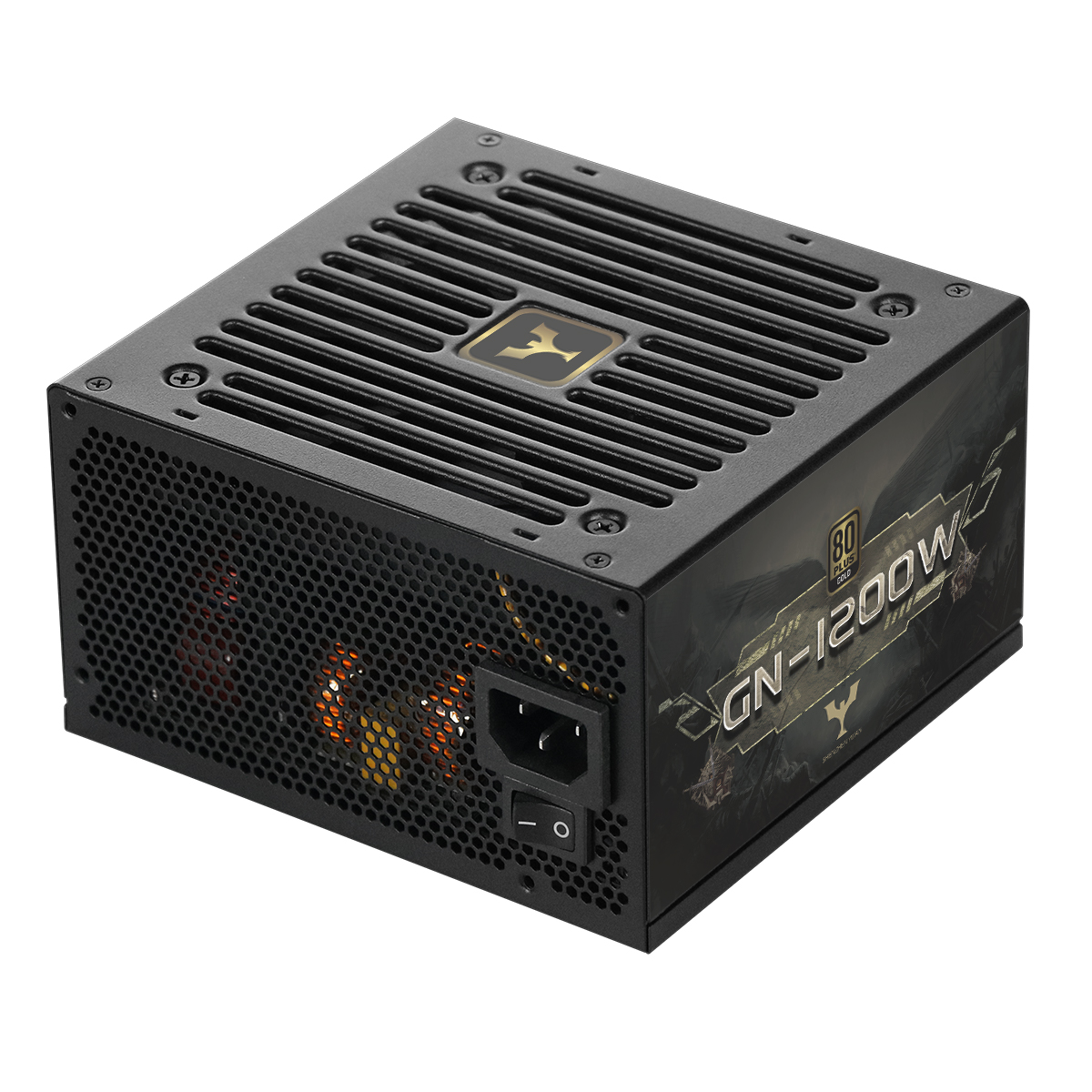
A desktop power supply is the unsung hero of any computer system, delivering stable electricity to critical components like CPUs, GPUs, storage drives, and motherboards. A faulty or untested power supply can cause frequent crashes, hardware damage, or even system failure—making rigorous testing essential for ensuring reliability. But what specific tests determine if a desktop power supply is trustworthy? Below, we break down the key evaluations that validate a computer power supply’s performance, safety, and durability.
Why Testing a Desktop Power Supply Is Critical for Computer Longevity
Before installing a desktop power supply, testing is non-negotiable. Unlike other components (like RAM or SSDs) that may only cause minor glitches if faulty, a subpar power supply risks damaging expensive hardware. For example, inconsistent voltage can fry a GPU or corrupt a motherboard, leading to costly replacements. Testing also uncovers hidden flaws—such as weak capacitors or inefficient cooling—that might not surface immediately but fail over time. Whether you’re building a gaming PC or a productivity workstation, validating a computer power supply through targeted tests ensures it can handle your system’s demands and protect your investment.
Load Regulation Test for Consistent Computer Power Supply Performance
One of the most important tests for a desktop power supply is the load regulation test, which measures how well the unit maintains stable voltage across different power demands. Computers don’t draw a constant load—usage spikes occur when launching games, rendering videos, or running multiple apps at once. A reliable computer power supply must keep voltages (like +12V for GPUs and +5V for storage) within strict limits, typically ±5% of the rated value, even as load changes from 20% to 100% of the supply’s maximum capacity.
For example, if a 600W desktop power supply is tested at 300W (50% load) and 600W (100% load), its +12V output should stay between 11.4V and 12.6V in both scenarios. Poor load regulation leads to unstable performance: a drop in voltage might cause a GPU to throttle, while a spike could damage delicate components. This test ensures the power supply adapts to real-world usage without compromising stability.
Efficiency Test to Evaluate Desktop Power Supply Energy Usage
Efficiency is another critical metric, measured by how well a desktop power supply converts AC (wall power) to DC (computer-friendly power). The efficiency test calculates this conversion rate, with higher efficiency meaning less energy waste (and lower electricity bills). Industry standards like 80Plus certifications (Bronze, Gold, Platinum) are based on this test—for example, an 80Plus Gold power supply must hit at least 87% efficiency at 50% load.
A low-efficiency computer power supply generates more heat, which strains internal components (like capacitors) and shortens lifespan. It also forces your PC’s cooling system to work harder, increasing noise. For regular users, an 80Plus Bronze desktop power supply may suffice, but gamers or professionals with high-power GPUs (like RTX 40-series) benefit from 80Plus Gold or higher—these units stay cooler and more efficient under heavy loads.
Safety Tests: Overload, Short-Circuit, and Surge Protection for Desktop Power Supply
Safety is non-negotiable for any desktop power supply, and three key tests validate its ability to protect your system: overload protection, short-circuit protection, and surge protection.
- Overload protection test: Simulates a scenario where the computer draws more power than the supply’s rated capacity (e.g., a 500W supply forced to power a 600W load). A reliable unit will shut down immediately to avoid overheating or component damage.
- Short-circuit protection test: Creates a direct short between DC outputs (a common risk from loose wires). The power supply should cut power instantly to prevent sparks or fires.
- Surge protection test: Exposes the unit to voltage spikes (like those from lightning or faulty wiring). A good desktop power supply absorbs these surges, shielding sensitive parts like CPUs and motherboards.
Without passing these tests, a computer power supply is a safety hazard—even a small short circuit could destroy your entire system. Always choose units that explicitly list these protections and have passed global safety standards (like UL or CE).
Temperature Test to Ensure Desktop Power Supply Durability
Computers generate heat, and the desktop power supply’s internal components (capacitors, transformers, fans) degrade faster in high temperatures. The temperature test evaluates how the power supply performs in warm environments—typically 40°C to 50°C, mimicking the inside of a crowded PC case.
During the test, engineers monitor voltage stability, fan speed, and component temperatures. A durable computer power supply will maintain performance without overheating, even after hours of continuous use. For example, a quality unit’s capacitors (which store energy) should stay within safe temperature ranges (below 85°C) to avoid bulging or leaking. Poor temperature performance leads to premature failure—often manifesting as random shutdowns or a dead power supply after 1–2 years instead of the expected 5–7.
Conclusion: Invest in a Thoroughly Tested Desktop Power Supply
A reliable desktop power supply isn’t just about wattage—it’s about passing these key tests to ensure performance, safety, and longevity. Whether you’re building a new PC or replacing an old unit, prioritize computer power supplies that have undergone load regulation, efficiency, safety, and temperature testing. These tests don’t just prevent headaches—they protect your hardware investment and keep your system running smoothly for years.
If you’re unsure how to test a desktop power supply yourself, look for brands that publish test results or partner with third-party labs (like Cybenetics). A little research into a unit’s testing history goes a long way toward avoiding costly mistakes.
Table of Contents
- Why Testing a Desktop Power Supply Is Critical for Computer Longevity
- Load Regulation Test for Consistent Computer Power Supply Performance
- Efficiency Test to Evaluate Desktop Power Supply Energy Usage
- Safety Tests: Overload, Short-Circuit, and Surge Protection for Desktop Power Supply
- Temperature Test to Ensure Desktop Power Supply Durability
- Conclusion: Invest in a Thoroughly Tested Desktop Power Supply