 EN
EN

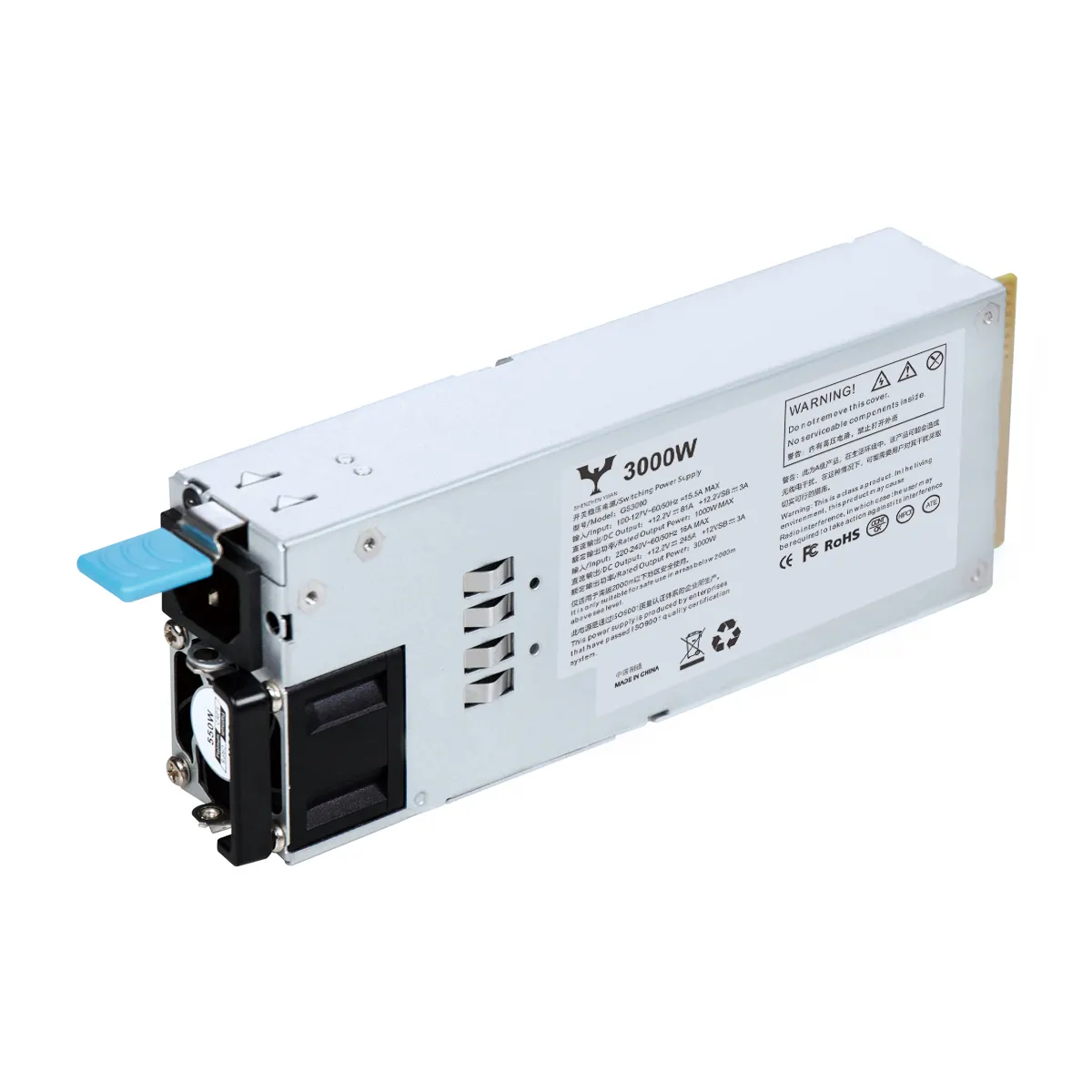
Choosing or upgrading a PC usually boils down to considering a power supply unit. Having a proper PSU can increase desktop efficiency and smoothen operation. In this case, we will discuss how to choose a PSU and will be paying attention to: wattage, efficiency tier, and connector types.
Assessing Wattage Needs
Creating a desktop and choosing a power supply to go with it will first require establishing important wattage needs. Start with inventorying parts a user already has, as the CPU, GPU, and motherboard have specific power needs. Adding the individual component wattages will give the user a rough estimate, and including a buffer of 20 to 30 percent. Stability and the potential to upgrade down the road are key. There are also PSU calculators available which can provide an estimate, although they will not be 100% accurate.
Efficiency Ratings: 80 Plus Certification
Similar to any other device, a PSU’s power consumption needs to be evaluated for effectiveness, especially certification is at the 80 Plus level. PSUs with an 80 Plus certification will be assessed for their efficiency at 20%, 50%, and 100% loads. A ProBareboat user with an 80 Plus Bronze certifies Bronze rated PSU would be fine. Gamers and professionals who seek a longer lifespan on their devices and highest rated efficiency power will go for Gold or Platinum PSUs. 80 Plus certifying Gold or Platinum rated PSUs will be great for those professionals seeking efficiency and long lifespans on their devices.
Connector Types and Compatibility
Currently, GPU’s have 6 and 8 PCIe connectors. CPU connectors include 4 and 8 pin connectors. Ensure that the PSU has the correct connectors for the GPU and CPU and their respective lengths. Also remember that these components and PSUs with connectors differ for distinct components. Also for your components, the length of the PSU connectors is paramount. The importance of this increases for large cases with cable management becomes a concern.
Form Factor Considerations
These SFX and TFX cases are designed for smaller cases, as are the PSUs and the more common ATX form factors.
Make sure the PSU matches the dimensions of the case and has enough vents. Proper PC gaming airflow is vital to overheating, thermal throttling, and to system stability as a whole.
Your Investment Power Supply For The Long Run
Buying a better PSU can lead to a PC gaming investment that pays off long term. Power supplies with a modular and semi modular design can be more efficient. They lower airflow obstruction by enabling only the necessary cables to be used.
Trends in Technology and Market Research
Advancements in gaming create a need for better, more efficient, and higher performing power supplies. Trends that need to be focused on to ensure better power supply purchases in the future are on growing gaming markets, modular design power supplies, and their ever-increasing reliability.