 EN
EN

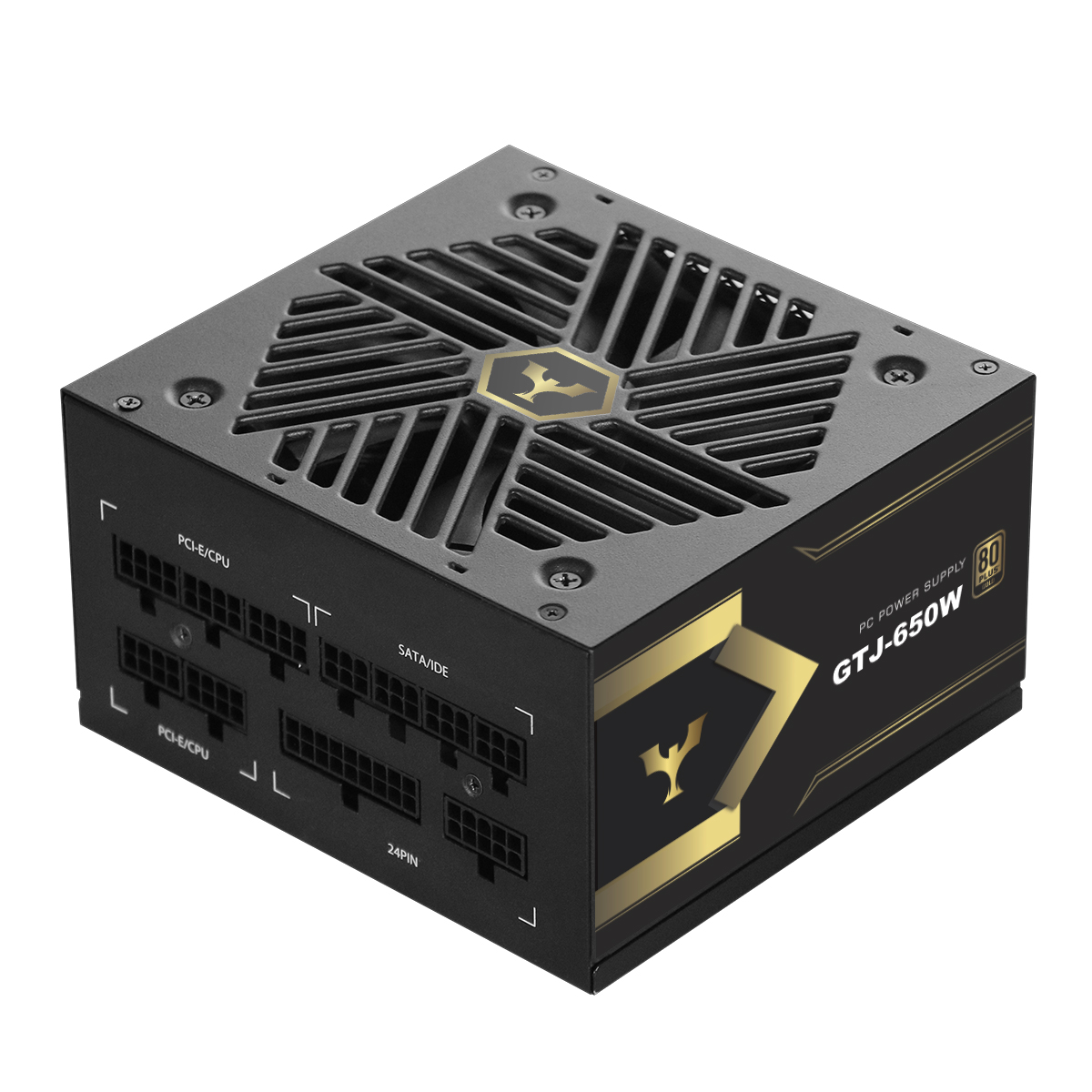
Understanding the Role of Your Power Supply for PC Stability
When building or maintaining a high-performance computer system, most enthusiasts obsess over the central processing unit and graphics card, frequently overlooking the electrical foundation that powers every single component. Selecting a reliable power supply for pc configurations is critical because unstable voltage delivery can cause sudden system crashes, random reboots, and even hardware degradation over time. Based on professional hardware repair experience and system building audits, many mysterious blue screens and hardware failures stem from dirty power or voltage drops under heavy load. A stable unit ensures that sensitive components receive clean, continuous electrical currents without fluctuating spikes or ripples. Understanding how to properly test your power supply for pc stability helps prevent unexpected component failure and extends the overall lifespan of your valuable computing hardware. Every quality power supply for pc systems acts as the vital heartbeat of the entire rig, dictating how safely electrical energy is distributed across motherboard circuits, storage drives, and graphics processors during peak performance spikes. Operating a premium power supply for pc setups also guarantees that your expensive components remain protected against sudden electrical surges and unstable grid fluctuations.
Initial Visual and Multimeter Inspection Methods
Before running complex software diagnostics, conducting a physical and electrical baseline inspection of your power supply for pc components is a vital first step. Start by checking all modular cable connections to ensure every pin is securely seated, preventing loose contacts that cause resistance and heat buildup. Using a digital multimeter offers a direct, highly accurate way to measure DC output voltages across the main 24-pin ATX connector while the system is running or using a dedicated power supply tester. Professional technicians typically check the +12V, +5V, and +3.3V rails against official ATX specification tolerances, which permit a maximum variance of plus or minus five percent. If any of these primary voltage lines drift outside the acceptable threshold during standard operation, it indicates internal component fatigue or voltage regulation failure, signaling that the power supply for pc setups requires immediate replacement. Inspecting your power supply for pc connections regularly also safeguards against oxidation and loose pin seating over extended periods of continuous daily use. Every reliable power supply for pc architecture undergoes rigorous electrical testing to ensure these DC rails stay within strict regulatory boundaries under normal operating conditions.
Software Stress Testing and Load Monitoring
Once basic electrical outputs are verified, evaluating dynamic behavior under heavy workloads is essential to guarantee complete system stability. Running intensive stress-testing applications such as Prime95 combined with FurMark places maximum electrical demand on the power supply for pc internal rails simultaneously. While these benchmarks load the processor and graphics card to their absolute limits, monitoring software like HWMonitor or AIDA64 allows you to track real-time voltage fluctuations and rail droop. A healthy power supply for pc hardware will maintain tight voltage regulation even when the system draws peak wattage, whereas a substandard or failing unit will exhibit significant voltage sag on the 12-volt rail. Observing these behavior patterns during prolonged stress tests provides clear, transparent evidence of whether your power supply for pc architecture can handle extreme gaming or professional rendering workloads without triggering thermal or over-current protections. Evaluating any power supply for pc stability under maximum thermal load is a proven diagnostic method trusted by hardware engineers globally. Selecting a robust power supply for pc workloads ensures seamless multi-tasking without unexpected system lockups.
Identifying Ripple Noise and Thermal Performance Issues
Beyond simple voltage drops, electrical ripple and thermal behavior are critical indicators of overall power supply for pc health and reliability. High-frequency electrical noise, commonly known as ripple, can interfere with motherboard VRMs and delicate memory modules, leading to subtle data corruption and intermittent crashes that are difficult to diagnose. While professional oscilloscope testing is required for precise ripple measurement, excessive internal heat and unusually loud fan noise often serve as warning signs of internal inefficiency or failing capacitors within the power supply for pc housing. Ensuring adequate chassis airflow and maintaining clean dust filters helps prevent thermal throttling and extends the operational longevity of your power supply for pc configuration under demanding daily usage conditions. Monitoring the thermal output of a power supply for pc unit ensures that cooling fans are operating efficiently and preventing premature component wear across all internal circuits. Every advanced power supply for pc assembly features intelligent fan curves to balance cooling efficiency and acoustic performance.
Preventive Maintenance and Best Practices for Longevity
Maintaining long-term system stability relies not only on initial testing protocols but also on consistent preventive maintenance and smart hardware management. Industry experts and hardware reviewers consistently recommend avoiding continuous 100% capacity loads unless the unit is specifically rated for enterprise-grade continuous operation. Cleaning dust accumulation from the fan intake grill and regularly auditing cable connections prevents localized overheating and maintains optimal cooling efficiency for your power supply for pc assembly. By combining regular diagnostic checks, careful load monitoring, and proactive maintenance, users can safeguard their entire computer system against electrical anomalies, ensuring dependable performance and peace of mind for years to come. Ultimately, investing time in testing and caring for your power supply for pc components guarantees a robust, reliable computing environment capable of tackling demanding workloads without unexpected system interruptions. Choosing an efficient power supply for pc deployment remains the smartest investment for any serious system builder or enthusiast.